
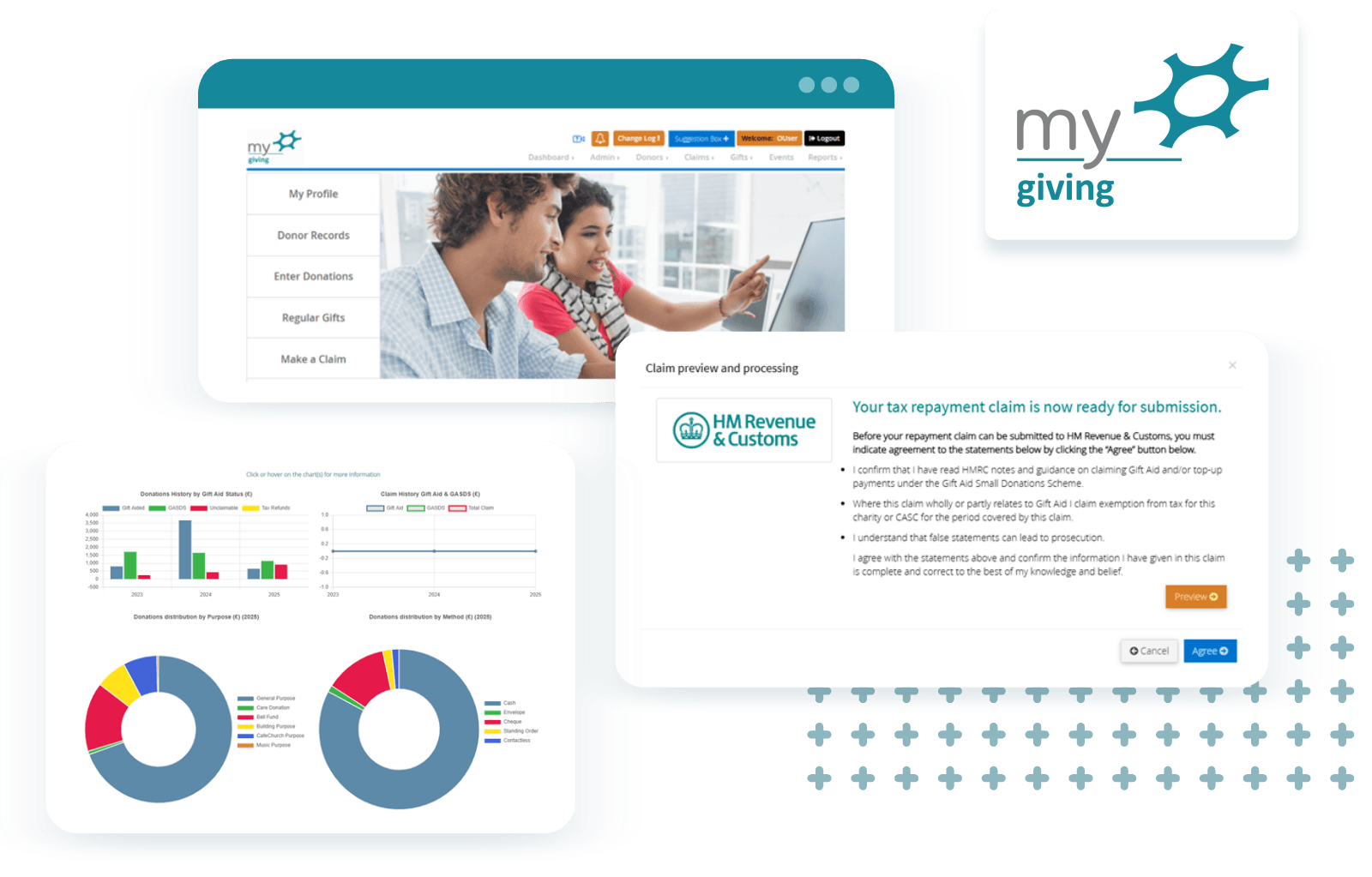
MyGiving: Merging Donor Records
April 2026In this month’s article, we will be looking at the merging donors feature and how it works.
How it works
- From the Donors dropdown menu on the dashboard, select Merge Donors to be taken to the relevant screen. A list of donor records will appear, along with a search box at the top.
- Type the name, reference number or address of the donors you would like to merge into the search box. Then click the Merge tick box next to their records.
- At the bottom of the list, there’s a dropdown menu labelled Select Merge To Donor. Click the dropdown menu and select the donor from the list whose record you want the data merged into.
- After doublechecking you’ve selected the correct donors, click the blue Merge button to complete the merging process.
- A warning message will appear to explain what will happen once the records have been merged. If you’re happy to proceed, select OK. A green textbox will then appear to confirm the records have successfully merged.
Why use the merging donors feature in MyGiving.Online?
For more information on merging donor records, see our support article on our website: Merge Donor records : Data Developments
More News

Data Developments’ 40th Anniversary – MyRollcall
June 2025As of this year, Data Developments has officially written and developed accounting software for churches and charities for 40 years. Since our founding, we’ve created products and services that make accounting and administration easier for real people in everyday situations.
Most of our customers will be aware of our desktop application ‘Membership Co-ordinator’ and its online application counterpart ‘MyMembershipManager’. But did you know that this product once went under a different name? Or that it was the program that started it all?
Getting started with your charity accounts requirements
March 2024Make your charity accounting requirements much more simple with this handy beginners guide. From defining your legal structure to calculating your annual income and trustee’s annual report, we’ve got you covered.
We should expect transparency and accountability across all charity work, especially when it comes to its accounting and financial reporting.
But without knowing the correct methods and navigating the necessary regulations by the book, how can you ensure you satisfy legal procedures while maintaining your organisation's reputation?
In this blog, we’ve broken down charity account requirements with an easy beginners' guide so you can get the ball rolling on your accounting without too much trouble.